How to Auto-Fill Complex Submission Forms with AI Agents: A Step-by-Step Guide Using ContextGate
This guide walks through building a governed AI agent in ContextGate that reads your source documents, populates a long-form template, and emails a summary flagging every place the sources disagree, so you catch contradictions early.
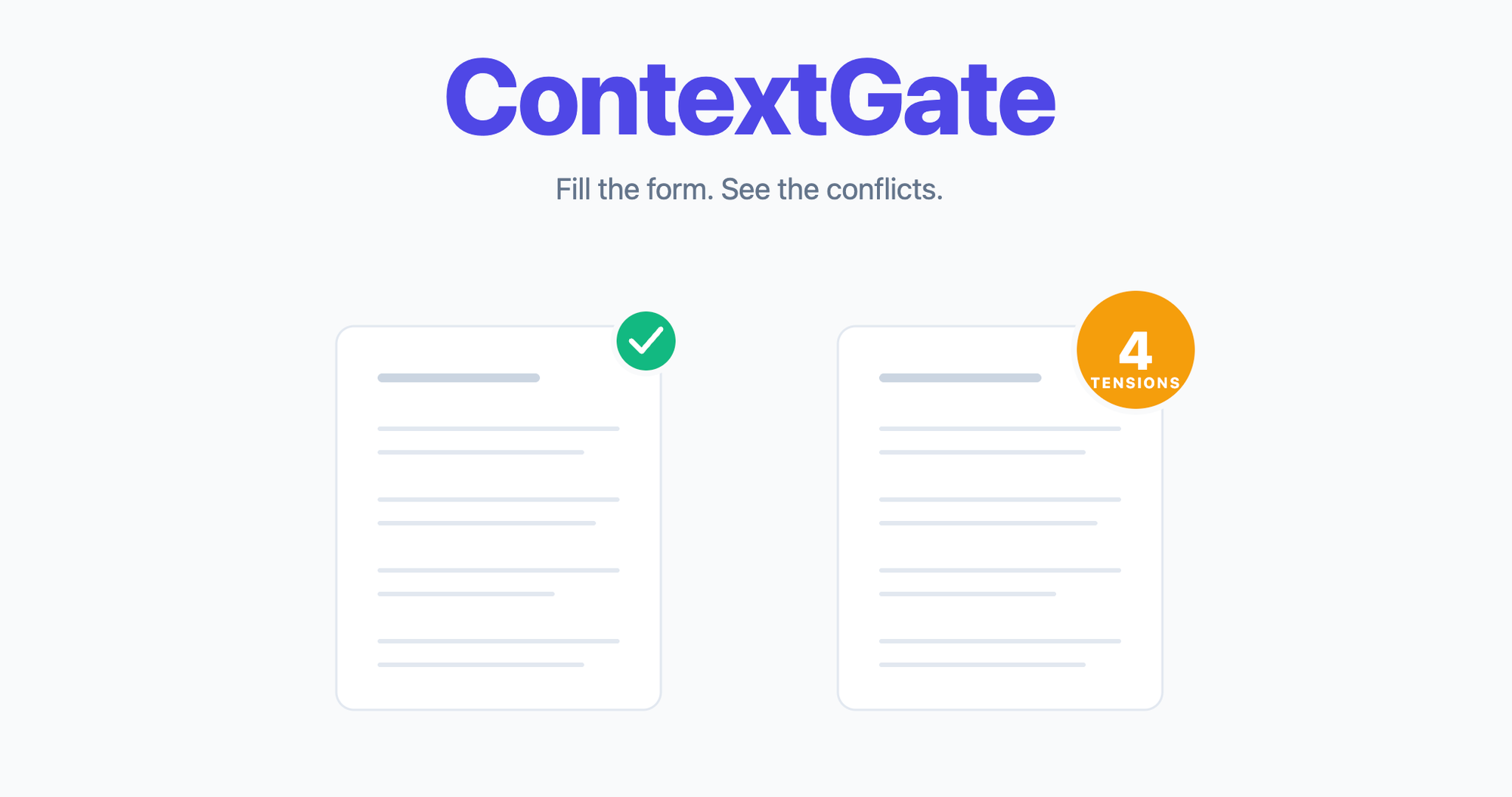
Build a governed AI agent that fills a long-form submission packet from your source documents — and flags the inconsistencies between them.
The Long-Form Submission Problem
Anyone who has ever had to assemble a regulatory submission, a grant application, a procurement bid, or an institutional review packet knows the shape of the work. You have three to five source documents — a protocol, a contract, a brief, a scope, a set of past filings — and a fixed template with forty to a hundred pages of cross-referenced fields, checkboxes, and narrative sections. The job is to cross-reference the sources against the template, answer each field consistently, and make sure nothing contradicts anything else before it goes out the door.
In practice, this job usually gets handled in one of four ways, and all of them have problems.
Manual form-filling by a coordinator. Someone who knows the domain sits down with the source documents on one monitor and the template on another, and types. This takes days, and the quality of the output depends entirely on how fresh the coordinator is at hour seven versus hour twenty. Cross-document consistency checking — "does the sample size in the protocol match the sample size in the contract?" — usually doesn't happen, because the coordinator is reading one document at a time.
Offshoring to a specialist vendor. You send the source documents to a firm that does this for a living. Turnaround is a week or two. Cost is real. You get back a polished packet, but you have to read it carefully anyway because the vendor doesn't know your organisation's internal quirks, and they rarely catch that the sample size in your protocol is 25 but the sample size in the contract is 395.
Template automation. Someone on your team builds an intake form and a mail-merge pipeline. This works for simple fields — names, dates, addresses — and falls apart the moment the template has checkboxes, conditional sections, or narrative paragraphs that synthesise multiple source fields. You end up with an 80%-filled template and someone still has to sit down and finish the job manually.
Custom scripts. An engineer writes a Python pipeline that parses the source documents, extracts fields, and populates the template. This works until the template version changes, or a new source-document layout appears, or someone asks the script to do something slightly novel. Fragile, expensive to maintain, hard to audit.
The common failure mode across all four is the same: they all treat form-filling as a data transfer problem, when the actual hard part is cross-document consistency. Filling a field correctly is the easy half. Noticing that two fields in two different source documents say different things, and flagging it before the form goes out, is the valuable half — and almost none of the traditional approaches do it at all.
What If an AI Agent Could Fill the Form and Flag the Inconsistencies?
An AI agent that can read multiple source documents simultaneously and write against a template has a structural advantage that humans don't: it holds both documents in its head at the same time. When the agent is mapping "sample size" from the protocol to "sample size" on the template, it can also, for free, check whether that value matches the one in the contract. Same pass. No extra step.
ContextGate is a platform for building governed AI agents that work against your organisation's real documents and systems. The governance layer gives you policy enforcement, PII redaction, full audit logs, and deterministic tool boundaries. The agent layer gives you a conversational Workspace Assistant that builds, configures, and iterates on your agents without requiring you to write any code.
What you get, in practice:
- Agents that read your source documents and populate templates without you writing a line of code
- A side-channel output — in our case an email — that flags inconsistencies between source documents before the form goes out
- Full governance: every tool call logged, every field change audited, every piece of PII redacted or flagged per policy
- Model choice: run your agent on Claude, Gemini, GPT-4, or any OpenAI-compatible model from the same interface
- Toolboxes you can assemble by conversation, not configuration — the Workspace Assistant handles the plumbing
The rest of this guide walks through the actual build. The example use case is a clinical research submission packet, but the same pattern applies to any long-form document workflow — grant applications, regulatory filings, procurement responses, compliance returns, insurance claims, due diligence questionnaires.
Step-by-Step: Building a Form-Filling Agent
Prerequisites
Before you start, you'll want:
- A ContextGate workspace (free to create at app.contextgate.ai)
- Your source documents in
.docxor.pdfformat - The blank submission template in
.docxformat - A Google Workspace account if your template lives in Google Drive, or a workspace with files stored locally if you'd rather keep everything inside ContextGate
Step 1: Create Your Workspace
In ContextGate, workspaces are the container for everything — agents, toolboxes, policies, documents, audit logs. Every workspace has its own isolated set of connections and its own billing.
Create a new workspace from the workspace switcher in the top-left. Give it a name that describes the domain of work it handles ("Clinical Trials", "Grants Team", "Regulatory Affairs") rather than the specific project — workspaces are long-lived and will host multiple agents over time.
Once the workspace is created, open the Governed Agents page. You'll land on an empty list. Don't click "Add Governed Agent" yet — the Workspace Assistant in the sidebar is faster.
Step 2: Upload Your Source Documents
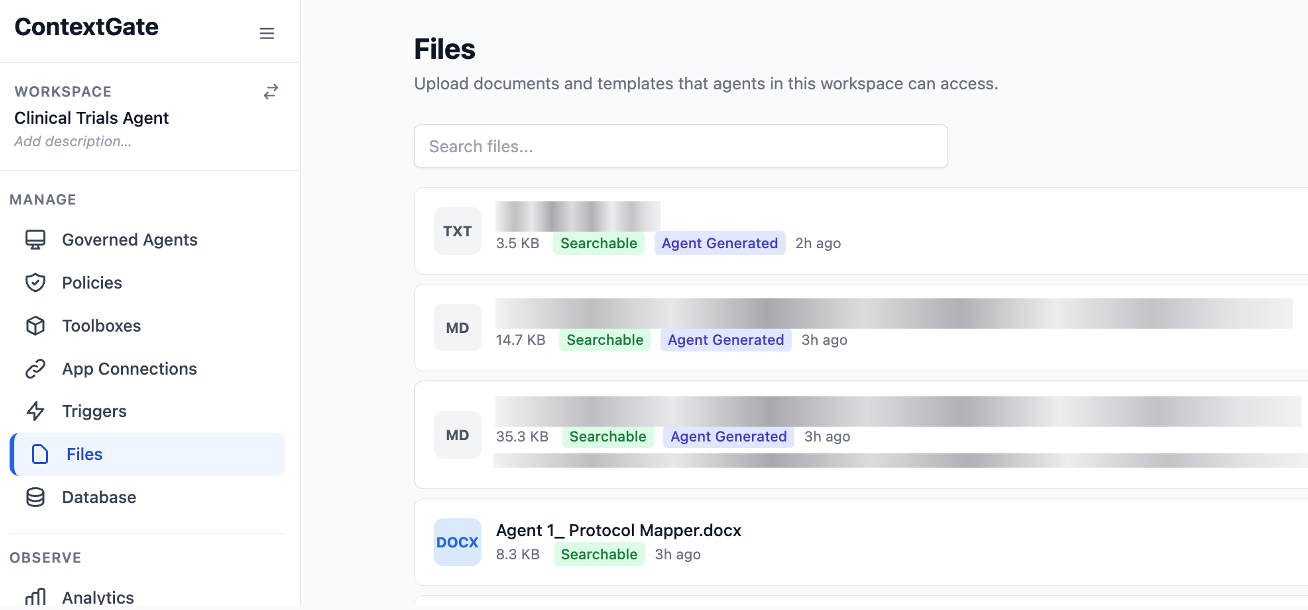
Before you build the agent, give it the material it's going to work with. Open the Files tab in the left sidebar and drag your source documents into it.
A small tip that saves you a lot of iteration later: rename the files with numeric prefixes in the order you want the agent to read them. Agents tend to pick up workspace files in alphabetical order on their first read, and a consistent reading order makes the agent's behaviour noticeably more reliable.
Our example:
- 01_Study Protocol.docx — the sponsor's 12-page research protocol
- 02_Service Agreement.docx — a 60-page contract between the sponsor and the host institution
- 03_Submission Template.docx — the blank review form, with section headers like "Study Design", "Inclusion Criteria", and "Consent Process"
Step 3: Open the Workspace Assistant and Describe the Agent
This is where most of the work happens. Open the Workspace Assistant by clicking the button on the bottom right of the screen within app.contextgate.ai and type a plain-English description of what you want. You don't need to know the platform's internal vocabulary. You don't need to name toolboxes or pick a model. Describe the job.
Here's what you might type:
I need to build an agent called "Protocol Mapper". It reads two documents from the workspace — a study protocol and a service contract — then fills in a review template and emails a summary of what got filled in and where the data gaps are.
That's a complete brief. The assistant will parse it into a plan — create a governed agent, spin up a toolbox with the right tools, select a model, suggest policies — and ask you to confirm before it creates anything.
*You can even ask the assistant to read those files you just uploaded, and it will work with you to create the exact instructions by understanding the templates, formatting, and requirements for the agent to complete.
Step 4: Review What the Assistant Built
After you confirm, the assistant creates the agent and reports back. Review what it set up:
- Governed Agent: a new proxy with the name you specified, configured to route through ContextGate's governance layer
- Toolbox: a curated set of tools for this specific agent — in our case,
read_workspace_file,find_and_replace_document,generate_document, andGMAIL_SEND_EMAIL - Model: the assistant picks a model based on task complexity. For a task like this, it'll usually suggest Claude Opus or Gemini 2.5 Pro. You can change this in the agent's Settings tab.
- Policies: the assistant may propose a PII redaction policy. If you're working with real data, accept it. If you're testing with anonymised samples, decline.
Check that the toolbox has the connections it needs enabled. If you're using Gmail to send the summary email, make sure the Gmail connection is toggled on inside the toolbox, not just created at the workspace level.
*If your agent is going to be working with very long documents for longer periods, then check the settings menu on the top and scroll down to maximum token output. Set it to 128,000 so that it has plenty of room to iterate and complete the entire task.
Step 5: Refine the System Prompt — This Is the Important Bit
The assistant's first-draft system prompt will be close to right, but there's one category of instruction you'll almost always want to add yourself: what the agent should do when the source documents disagree with each other.
By default, the agent will pick a value and move on. That's the wrong behaviour — when source documents contradict, you want the agent to flag it, not silently resolve it in whichever direction its pattern-matching happened to fall.
Open the agent's Settings tab and click Edit Instructions. Add a paragraph like this:
When two source documents provide different values for the same field, do NOT pick one arbitrarily. Fill the field with the value from the higher-authority source (the signed contract over the unsigned protocol, the latest version over an earlier one), and include a flagged tension in the summary email describing the discrepancy, which documents contained which values, and why the user should review it before submitting.
Five minutes of prompt editing here does more for the quality of the output than any amount of toolbox tweaking. Save and close.
Step 6: Run the Agent
Open the agent's sandbox chat (the Flow & Test tab) and send a short message: "hi, can you start?"
The agent will work through its task. You'll see the tool calls appear in the chat as they happen — read_workspace_file, then another read_workspace_file, then a long sequence of find-and-replace operations as the agent fills each field of the template. In our example, the agent made fifty-seven find-and-replace calls in sequence. Each one replaced a specific placeholder — the study title, the principal investigator, the sample size, the inclusion criteria, the consent language, the data management plan. Stuff that in a human's hands takes about four hours.
For our documents that were several hundred pages long, the whole run took about three minutes.
Step 7: Review the Output and the Flagged Tensions
When the agent finishes, it sends the summary email. Open it.
The email has two sections. The first is a confirmation of what got filled in — which fields were populated, from which source document, how many replacements were made. This is useful for auditing.
The second section is the one you actually want: the flagged tensions. In our example run, the agent flagged four things that genuinely mattered:
- The study protocol said the sample size was 25 patients. The service contract said 395. Same trial. One of them is wrong.
- The protocol referenced a national ethics committee approval, but nowhere gave the reference number or the approval date.
- The service contract mentioned that a regional health authority pre-approval was required before enrollment. The protocol didn't acknowledge this step at all.
- The contract hadn't been executed. No signatures, no dates. That alone would block the submission.
Every one of these would normally surface during a human review round — a compliance officer reading the filled packet a week later, noticing the sample size doesn't add up, chasing the sponsor for clarification, delaying submission by another week. The agent caught all four at fill time, same hour. You can fix them before the packet goes anywhere.
That's the reconciliation value that makes this whole approach worth doing in the first place.
Why This Approach Is Different
You Get Reconciliation, Not Just Filling
Traditional form-filling tools treat each field as an isolated extraction problem. An AI agent working against multiple source documents treats the document set as a whole. Cross-document consistency checking happens automatically, because the agent has already read both documents to fill the template — flagging disagreements is marginal cost.
No-Code Agent Construction Through Conversation
The Workspace Assistant handles the platform plumbing — naming toolboxes, selecting tools, picking a model, wiring connections — in natural language. Your involvement is at the level of describing the task and refining the agent's system prompt. No YAML, no config files, no infrastructure to manage.
Governed by Design
Every tool call is logged. Every field change is recorded in the activity log. PII can be redacted automatically before the agent ever sees it, via a single policy toggle. If you work in a regulated industry, this is the table stakes — it's not bolted on after the fact.
Works on Any Long-Form Document
Nothing about the pattern is specific to clinical research packets. The same agent architecture applies to grant applications, regulatory filings, procurement responses, compliance returns, insurance claims, due diligence questionnaires, and any other long-form workflow where multiple source documents have to be reconciled against a fixed template.
Beyond Submission Packets: What Else Can You Build?
The same pattern generalises across most document-heavy regulated workflows:
- Grant applications — reconcile a project proposal, a budget, and past reports against a funder's template
- Regulatory filings — map internal product documentation to regulator-specific formats (FDA, EMA, MHRA, local equivalents)
- Procurement bids — turn a customer's RFP into a completed response using your capability statements, past wins, and commercial terms
- Compliance returns — cross-reference operational logs, control frameworks, and policy documents against audit questionnaires
- Insurance claim packages — reconcile medical records, invoices, and incident reports against an insurer's claim form
- Due diligence questionnaires — answer a buyer's DDQ from your data room, flagging anywhere the answer isn't clearly supported
- Patent applications — reconcile an invention disclosure, prior art search, and claims structure against a patent office template
Any workflow where you've got several sources of truth that have to agree before a form goes out fits this shape.
Getting Started
- Create a ContextGate workspace (free to start)
- Upload your source documents and your blank template into the workspace's Files tab
- Open the Workspace Assistant and describe the agent in plain English
- Confirm the agent, toolbox, and policies the assistant proposes
- Refine the system prompt with a rule about flagging cross-document tensions
- Run the agent in sandbox, review the output, and iterate
The first agent you build will probably take an hour. The second takes twenty minutes. By the fifth, you'll be building them while waiting for coffee.
If you'd like to see it in action, you can deploy a form-filling agent to your own workspace in minutes using the template below — or get in touch with us to talk through your specific use case.
This post is part of our series on building production AI agents with ContextGate. For more, see our guides on migrating CRM data with AI and the ContextGate governance model.